A voice notebook for iPhone
Make room
for a thought.
Say what’s on your mind. Pencil turns your recordings into notes you can come back to.
Explore Pencil$20/yearComing soon for iPhone
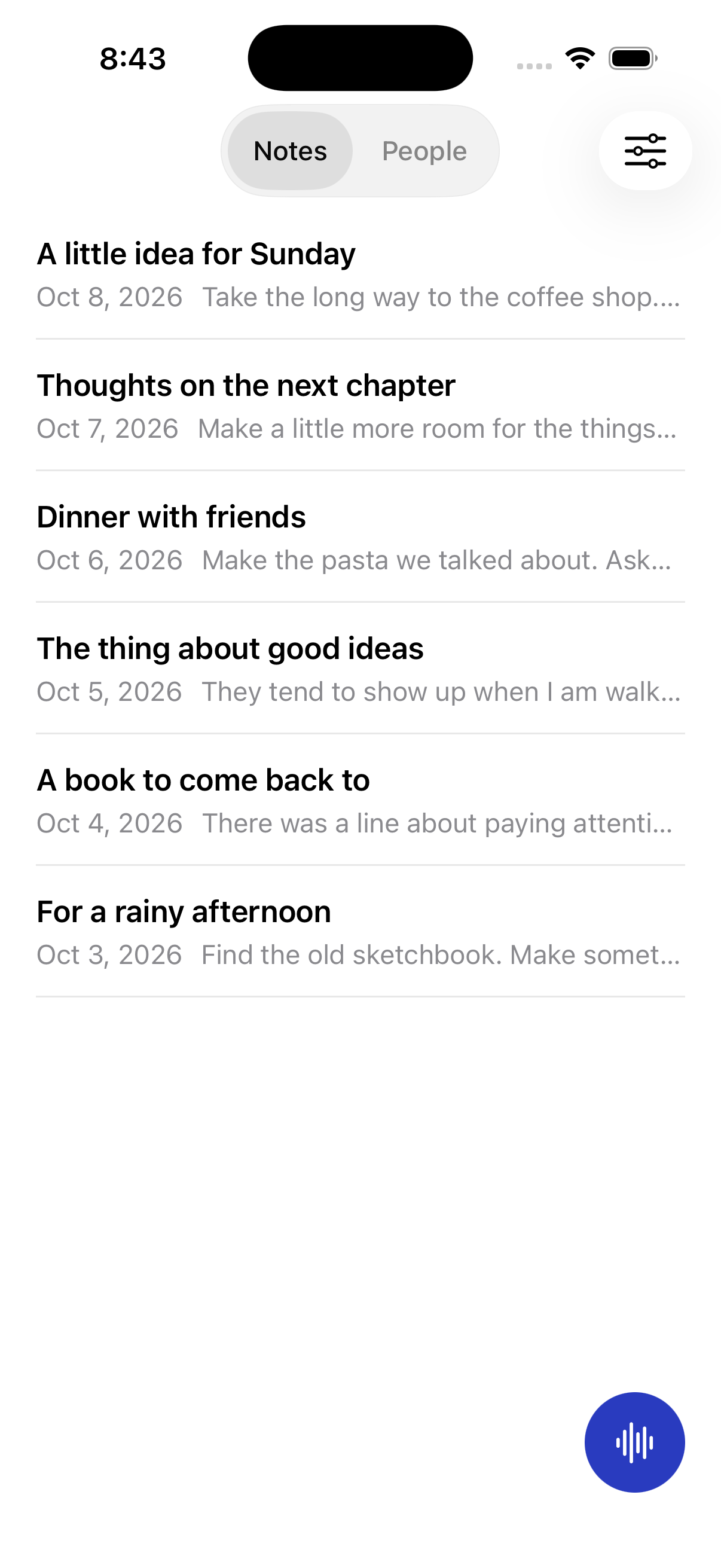
From a thought to a note
Start with your voice.
Find your words later.

-
Just say it.
An idea on a walk. Something to remember. A thought still taking shape. Hit record and let it out.
-
Come back to the details.
Pencil transcribes your recording and creates a summary, right on your iPhone. Your original audio stays with the note.
-
Make it yours.
Edit the words, reshape the note, or link it to a person. A starting point for your thinking, in your own words.
A personal space
Your thoughts.
Your iPhone.
No account to create.
No cloud AI to send your words to.
Recordings, transcripts, and notes are stored on your iPhone. Once you’ve downloaded the offline models, transcription and summaries happen on the device.
Your notes and recordings may be included in your device backups. Pencil doesn’t have built-in cloud sync.
A few more detailsPricing
One simple price.
A year of space for your thoughts.
$20/year
USD, billed annually.
Coming soon for iPhone
Good to know
A few details.
Does Pencil work offline?
Yes, after setup. Download the offline models in Settings while you’re connected to the internet. The download is about 680 MB and comes from Hugging Face. After that, transcription and summaries run on your iPhone without a cloud fallback.
You can record and edit notes before downloading the models.
What do I need to get started?
Pencil is being built for iPhone running iOS 17 or later. You’ll need microphone access to record, and storage for your notes, recordings, and offline models. Keep the app open while downloading models or processing a recording.
Can I change the generated notes?
Yes. The generated note is editable, so you can correct a word or rework a thought. You can also view the original transcript and listen back to the recording.
Can I organize notes around people?
You can add people in Pencil and link notes to them. Pencil doesn’t need access to your iPhone’s Contacts to do this.
When can I download Pencil?
Pencil is still in development. There isn’t a public download or a confirmed launch date yet.